 Renke Holert
Book: Microsoft Project and Project Server
 Renke Holert : Jun 7, 2026, 11:47:25 AM
The book "Microsoft Project 2019/2021/2024 and Project Online" by Renke Holert (in German): hands-on guidance for project managers, teams, and...

Microsoft Project is one of the leading tools for modern project management. This article looks at the differences between the Standard and Professional editions and the benefits of Project Plan 3 in Office 365. Learn how to plan projects efficiently, manage resources and control costs – supported by seamless integration with other Microsoft applications.
TL;DR
The project software Microsoft Project is available in two editions, Standard and Professional (sometimes also called MS Project or MS Projects). It is Microsoft's classic project management tool. Microsoft Project Standard supports the individual project manager in planning and controlling a project and its associated resources, among other things. The Professional edition offers additional views, such as the Team Planner, and can connect to Project Server Subscription Edition (see also the product overview Microsoft Project Server SE). The previous connection to Project Online ends when Project Online retires on September 30, 2026. The current version is 2024.
The Project Online desktop client corresponds to the latest version of Project Professional, i.e. the always up-to-date Windows application of Microsoft Project obtained through Microsoft 365. It is part of the “Planner and Project Plan 3” and “Planner and Project Plan 5” subscriptions, which Microsoft renamed from Project Plan 3 and Project Plan 5 on September 18, 2024. Both plans also include the premium features of Planner (formerly Project for the web); details in the article Microsoft Planner Premium Plans.
| Feature | Project Standard 2024 | Project Professional 2024 | Planner and Project Plan 3 |
|---|---|---|---|
| License model | Perpetual license | Perpetual license | Subscription per user |
| Desktop application | Project Standard 2024 | Project Professional 2024 | Project Online desktop client (always current) |
| Team Planner and advanced resource management | no | yes | yes |
| Connection to Project Server SE | no | yes | yes |
| Planner with premium features | no | no | yes |
| Support | until Oct 9, 2029 | until Oct 9, 2029 | ongoing while subscribed |
The Standard edition is a single-user application that can be deployed decentrally in the company without further dependencies. It is suitable, among other things, for managing the schedule, costs and resources of a single project and answers questions such as:
The ability to answer these questions with sufficient quality is one of the decisive competitive factors in today's business world. Project work often forms the basis for value creation, e.g. through the development of new products in development projects.
Ultimately, the goal is to make project work easier to plan and control in order to minimize risks. This requires a competent project manager and a mature software product such as MS Project, which is methodologically neutral and can be used, for example, with PMI, PRINCE2 or IPMA/GPM.
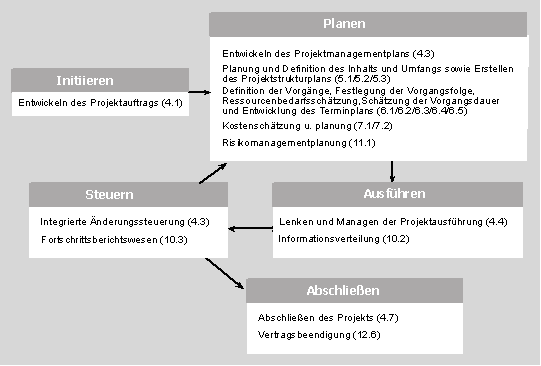
MS Project is suitable for project management based on PMI standards. The five process groups according to PMI are initiating, planning, executing, monitoring and controlling, and closing processes. These processes are relevant in every project phase, although to varying degrees.
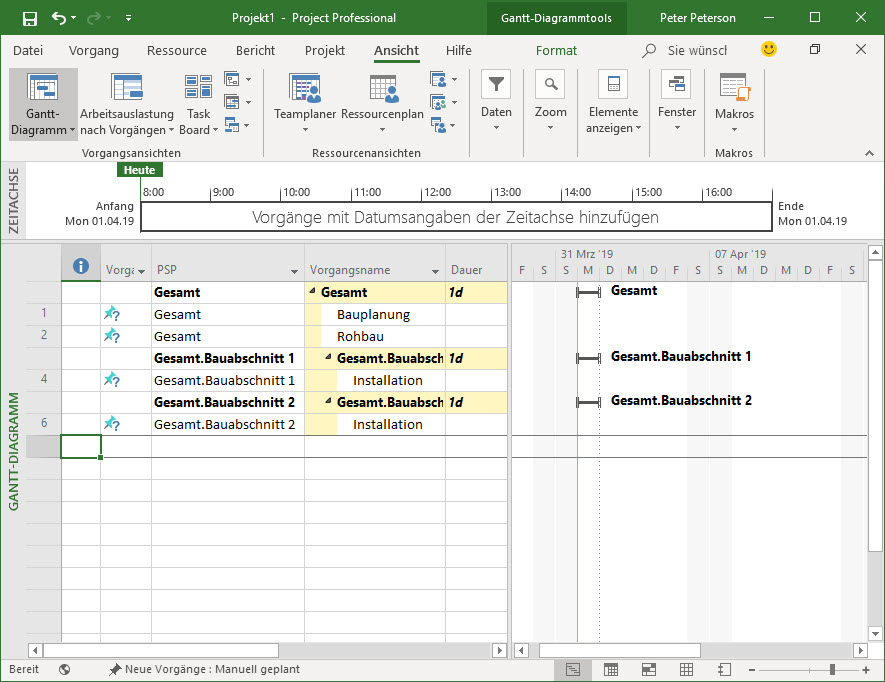
In an early project phase, the project charter is created. It provides the basis for the planning processes. The work breakdown structure hierarchically describes the content and scope of the project, i.e. all the work required to achieve the project goal.
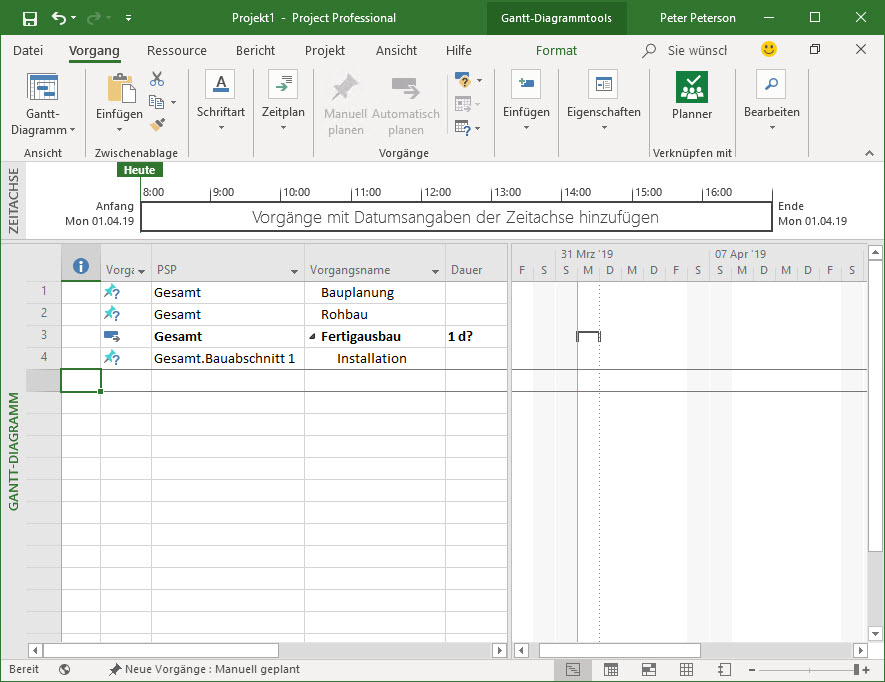
The figure shows the grouping of the task list according to the hierarchy of the work breakdown structure.
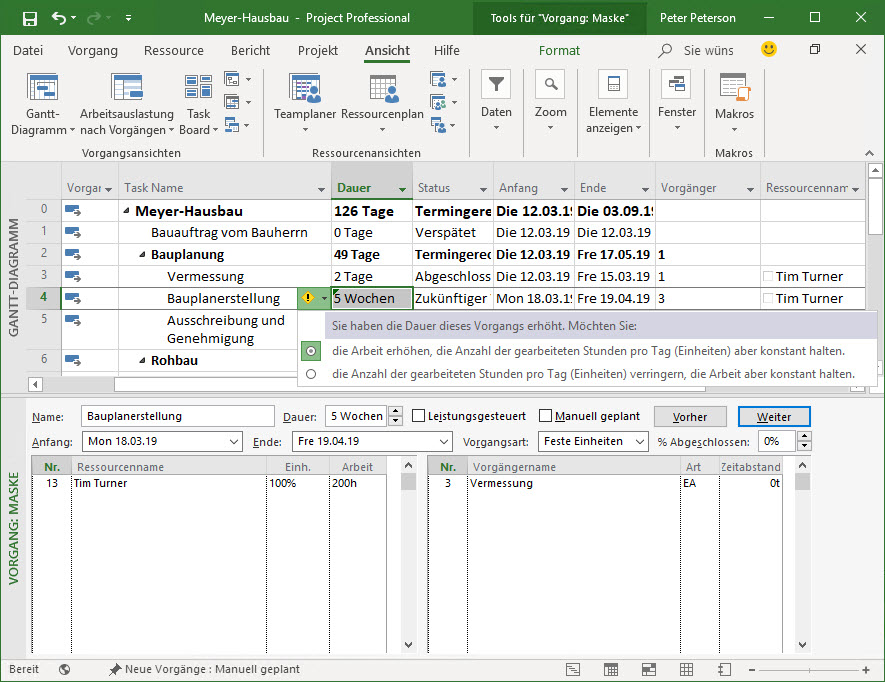
After the work breakdown structure has been created, tasks are defined and resources are assigned. MS Project calculates the total demand and creates a schedule taking resource capacities into account.
Costs are estimated by entering resource cost rates. MS Project automatically calculates the total costs and presents them by period, cost type, resource and project phase.
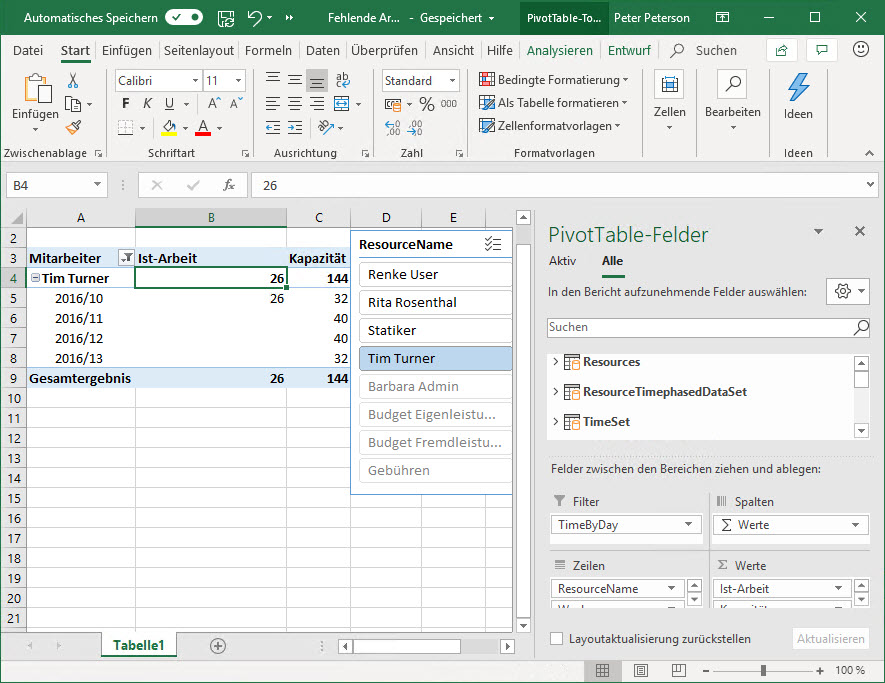
Microsoft Project is suitable for detailed deployment planning of employees and other resources such as machines. By assigning resources, you can see the scheduled resource for each task in the Gantt view. In addition, the Resource Usage view can show which resource is working on which task and when. Project also provides printable reports for printing assignment lists by default.
Alternatively, you can synchronize project plans from Microsoft Project with Allocatus or Altus to show each individual employee their respective assignment times in their Outlook calendar or in the Altus task list.
Progress reports and time entries can be entered directly in the project plan. Alternatively, employees can report their progress directly in Outlook with Allocatus or via the timesheets and/or task list of Altus.
No. Microsoft retires Project Online on September 30, 2026; Project desktop, Project Server and Planner are explicitly not affected. Anyone who has worked with Project Online, however, needs a new central repository for their project plans – the options are described in the article Microsoft Project Online ends – alternatives and migration.
According to Microsoft Lifecycle, Project Standard 2024 and Project Professional 2024 are supported until October 9, 2029. The Project Online desktop client from Planner and Project Plan 3, by contrast, is updated continuously for as long as the subscription is active.
To Project Server Subscription Edition, the only server version still supported. Project Standard 2024 cannot connect to any server.
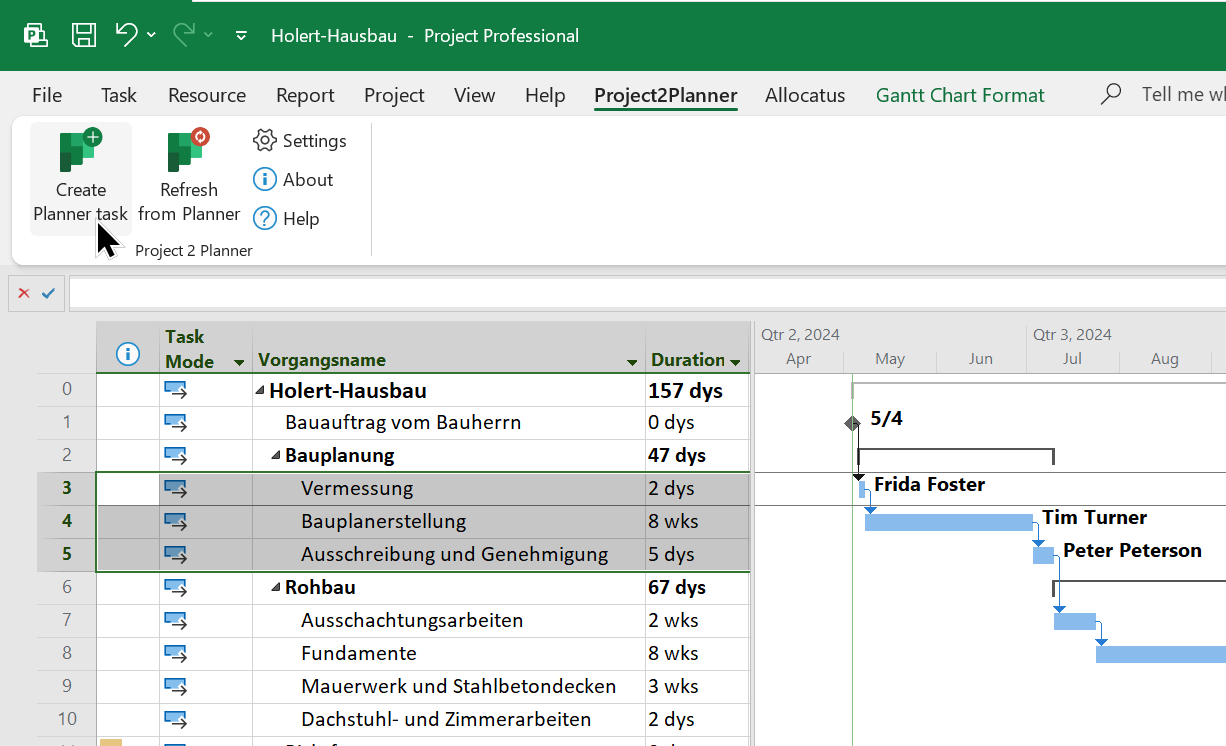
If you, as a project manager, work with the Microsoft Project desktop app (MS Project) and your team uses Microsoft Planner, it can be tedious to keep the data in sync. With Holert Project2Planner you can simplify the integration of both apps.
With Altus you can store every project plan from MS Project centrally in one of the most modern apps for project and portfolio management, giving you full transparency across all projects.
A Project license is bought quickly. The harder question is which combination of Project desktop, server or cloud fits the organization and how individual project plans end up in a shared resource and portfolio view. With the end of Project Online, many PMOs face this question anew because their existing central repository disappears.
Holert has been implementing project, product and portfolio management solutions based on Microsoft and Atlassian for over 25 years, following PMI and SAFe. In our PPM software selection consulting we compare Project desktop, Project Server SE, Planner Premium, Altus PPM and Projectum xPM vendor-neutrally and, where needed, connect them with our own products Allocatus and Project2Planner. Companies such as KUKA, Rohde & Schwarz and Amer Sports rely on our support – see our customer references.
 Renke Holert : Jun 7, 2026, 11:47:25 AM
The book "Microsoft Project 2019/2021/2024 and Project Online" by Renke Holert (in German): hands-on guidance for project managers, teams, and...
 Renke Holert : Sep 1, 2025, 11:15:00 AM
Microsoft Project and Microsoft Planner integration, send tasks from Microsoft Project to your team in the Planner app, e.g. in Microsoft Teams
 Renke Holert : Aug 15, 2026, 10:23:22 AM
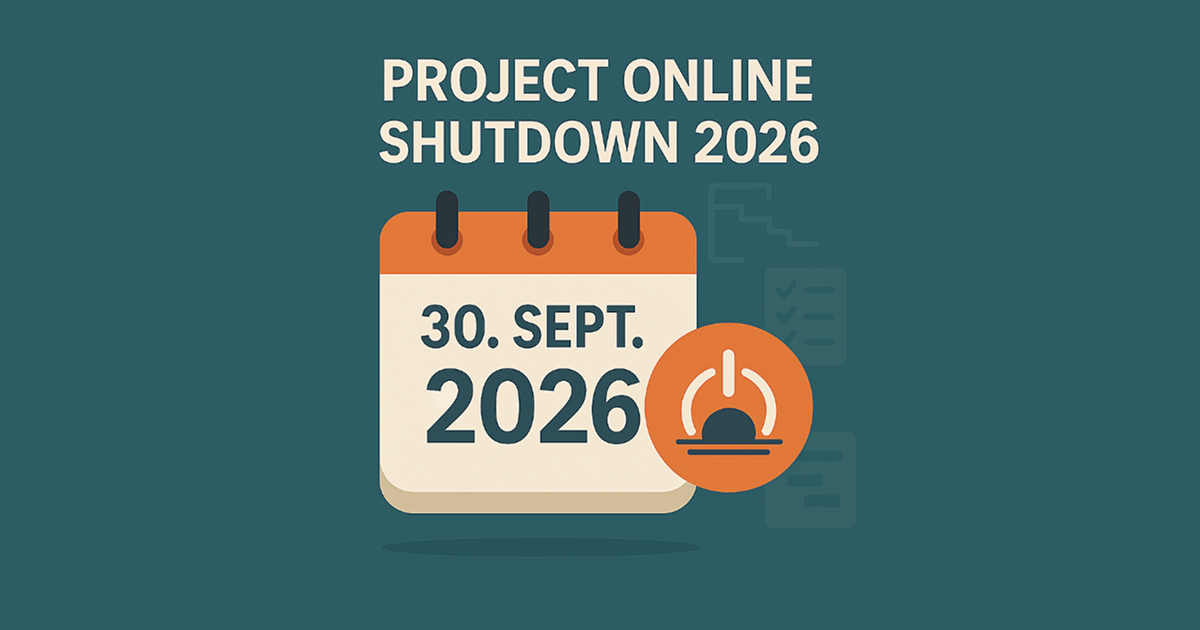
Project Online was shut down on 30 September 2026: alternatives, successors and migration from existing exports – Altus PPM & Projectum xPM for PMOs.