At Build 2026, Microsoft unveiled Scout, its first “autopilot” agent: not a chat helper waiting for prompts, but an autonomous agent that runs continuously, observes your work context and acts on its own – across Outlook, Teams, SharePoint and OneDrive. For project managers and PMOs, that shifts a boundary: status reporting, risk detection and meeting preparation can now happen in the background. What Scout can really do, where its limits are, and how to prepare your PMO.
What is Microsoft Scout – and why should a PMO pay attention now?
Microsoft unveiled Scout on 2 June 2026 at Build – as the first representative of a new agent category Microsoft calls “autopilots”. The difference from everything that previously ran under the Copilot label is fundamental: Scout is not an assistant you address inside an app, but a standalone agent with its own identity in Microsoft Entra ID that runs in the background – even when you are offline, in a meeting or on holiday.
Technically, Scout builds on the OpenClaw architecture and the new “Work IQ” intelligence layer. It connects local files, browser automation, the operating-system shell and the entire Microsoft 365 cloud in a single agent. This lets Scout, in one continuous flow, edit a local Excel file, pull data from SharePoint, send a Teams message and schedule a follow-up meeting – without you triggering each step individually.
For a project management office, that is exactly the decisive shift. A large part of PMO work consists not of decisions but of coordination: collecting status, following up, documenting, escalating. It is precisely the kind of work an autonomously running agent can reliably take on – within governance boundaries the organisation controls.
Scout vs. Copilot vs. Copilot Cowork: the difference
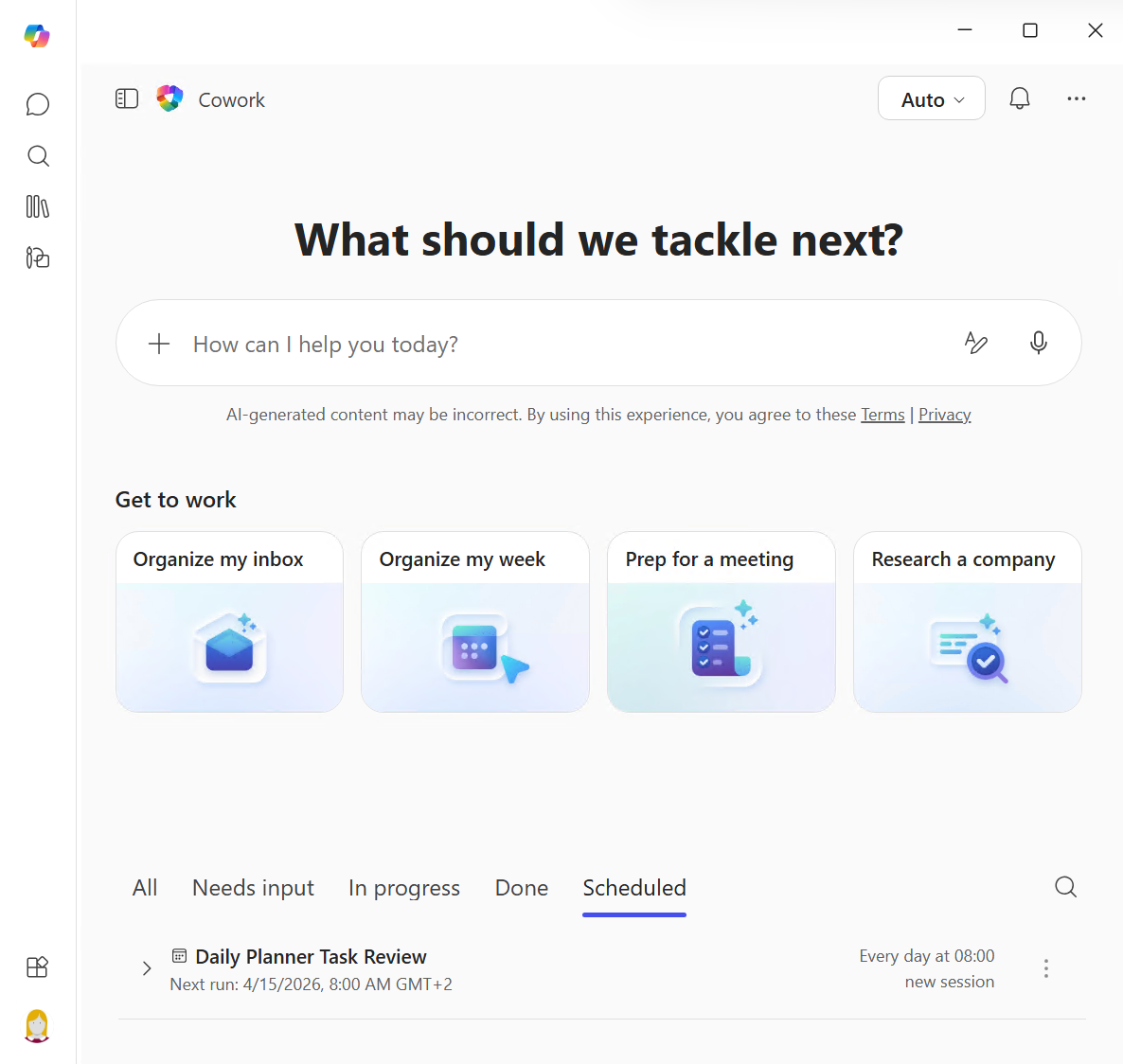
Microsoft 365 Copilot is a prompt-based assistant within individual apps – Word, Outlook, Teams, Excel. It helps you draft, summarise and analyse, but only when you address it. Close the app and it stops working. Copilot Cowork, which we covered in a separate article, goes a step further: it delegates entire, multi-step work packages to an agent that plans and executes autonomously over minutes or hours – but you still trigger the task.
Scout differs from both in three respects. First, autonomy: Scout starts tasks itself – based on schedules, triggers or its continuous observation of your work signals, not only on your input. Second, persistence: the work continues while you are busy with something else. Third, cross-device and cross-system action: local files, browser, shell and cloud are brought together in one runtime.
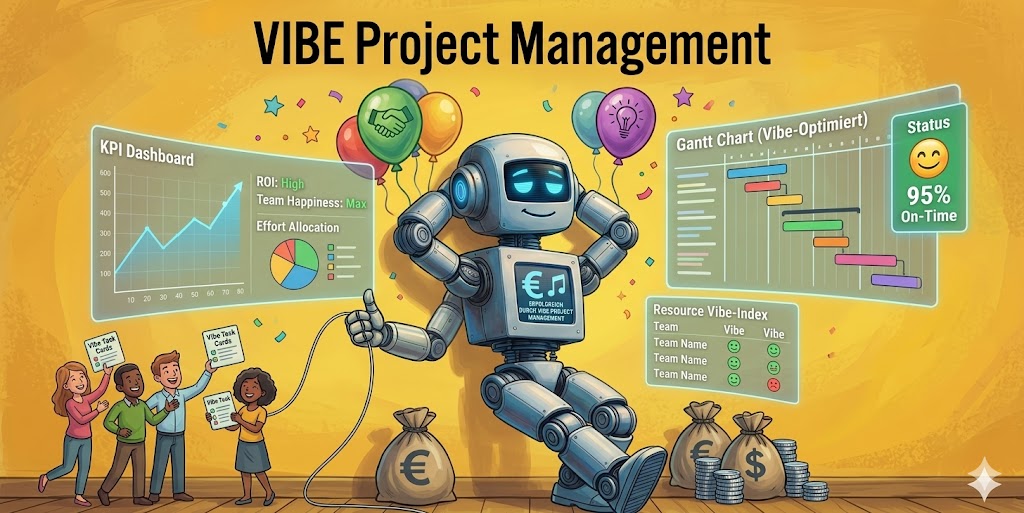
Put simply: Copilot helps the individual do better work. Scout makes sure work gets done autonomously. If you want to go deeper into AI-driven tool operation, VIBE project management is a fitting complement – there you control PM tools by voice command, whereas here the agent takes the initiative.
How Scout works: Work IQ, Heartbeat, Automations and Skills
Four building blocks are particularly relevant for PMO scenarios. Work IQ is the intelligence layer that continuously takes in signals from emails, calendar, Teams chats, documents and OneDrive activity. Over time, a model emerges of how work flows in your organisation: who the key stakeholders are, which projects are active and where things are stalling. This is exactly what allows Scout to detect risks without having been assigned a specific field in the project plan beforehand.
The Heartbeat is a recurring prompt that runs every 15 to 120 minutes during configured working hours and checks, for example, inbox priorities, calendar changes or blocked tasks. Automations are scheduled (cron-like) or condition-driven tasks – for instance: create a status draft every Monday at 8 a.m., or: as soon as a high-priority email arrives, summarise and flag the thread.
With Custom Skills – simple Markdown files with a description and instructions – you encode PMO playbooks: your reporting templates, governance standards and reporting cadences. Scout recognises matching skills automatically and invokes them when the context fits. And via MCP server integrations, Scout reaches beyond Microsoft 365 – to Jira, Confluence or your own PPM platform, for example.
The most important PMO use cases
1. Proactive risk and blocker detection
Perhaps the most compelling PMO use case: Scout detects risks before they escalate. Through Work IQ's inference, it connects cues from emails, meeting notes, Teams threads and calendar patterns. If an important decision has been sitting unanswered in the inbox for five days, Scout can flag it as a stall risk. If a milestone is due and the associated Teams channel has gone quiet, Scout points to a possible dependency problem. This is qualitatively different from rule-based alerts in a project tool – risks are detected from the real communication signals, exactly where they arise, long before they show up in a RAID log.
2. Automated meeting preparation and follow-up
Meeting preparation is one of the most time-consuming yet low-leverage activities in day-to-day project work. Scout can generate pre-reads autonomously by searching relevant emails, Teams conversations and documents ahead of the meeting, compile status briefings from Planner tasks and SharePoint project pages, and after the meeting draft follow-up emails and create tasks in Planner. For a PMO running a weekly programme review, that means in concrete terms: on Saturday morning Scout pulls the current task statuses, reviews the week's Teams discussions and drafts a structured agenda including RAG status – ready for approval on Monday.
3. Status reporting and management communication
Status reporting is the most time-intensive recurring activity in many PMOs. Scout drafts complete status reports by consolidating data across multiple sources: task and milestone statuses from Planner and Project for the Web, issues and blockers from Teams and email, budget and resource signals from files in OneDrive or SharePoint, and decisions made and open from meeting notes. For a PMO lead who needs a portfolio-wide dashboard narrative for the steering committee every week, Scout becomes the machine that assembles raw data from many sources and delivers a polished first draft – five minutes of human review instead of several hours of legwork.
4. RAID log maintenance and escalation
RAID logs (Risks, Assumptions, Issues, Dependencies) notoriously go stale because maintaining them is a manual, easily deferred task. Scout reverses this logic: a new risk from a Teams message can be proposed for inclusion in the SharePoint RAID list, an issue unresolved for days triggers an escalation draft, and disproven assumptions are flagged for review. With an automation that checks the RAID list weekly and scans the previous week's communication for unlogged items, the log stays considerably more current than with classic processes.
5. Scheduling across time zones
For globally or multi-site PMOs, coordinating meetings across time zones is a constant source of friction. Scout checks the availability of all invitees via the Microsoft 365 calendars, respects out-of-office and tentative entries, resolves names via the directory and suggests optimal slots. The difference lies in proactivity: instead of waiting for “when does it suit everyone?”, a Heartbeat watches the two-week calendar, recognises meetings that need scheduling and drafts the invitation – you only have to approve.
6. Project kickoff and document creation
Through its built-in Word, Excel and PowerPoint capabilities, Scout orchestrates the creation of kickoff artefacts: project charters or business requirement documents from a briefing, AI-prefilled risk registers, RACI matrices from the stakeholder list, kickoff decks and schedules. For a PMO with a standardised project intake, this compresses days of template-filling into minutes – the templates are defined once as custom skills, and Scout runs them for every new project.
7. Jira and Atlassian connectivity via MCP
For PMOs with hybrid toolchains – Microsoft 365 for collaboration, Atlassian for delivery management – Scout's MCP integration with the Atlassian Rovo MCP Server is architecturally significant. It lets you search and summarise Jira epics and sprints from within Scout, create tickets from meeting notes, reconcile Jira sprint progress with calendar milestones and Planner tasks in a cross-platform report, and update Confluence pages.
8. Resource monitoring and focus time
Work IQ's inference gives Scout a feel for utilisation signals that classic resource tools lack: overloaded calendars, key contributors going quiet, capacity limits that become visible in activity patterns. In addition, Scout automatically blocks focus time for upcoming deliverables. If you want to tackle the topic systematically, our best practices for resource and capacity management in Microsoft 365 provide the right structural foundation.
PMO tasks: today and with Scout
| PMO task |
Today |
With Scout |
| Weekly status report |
1–3 hours manual |
Draft in ~5 min review |
| Meeting preparation |
30–60 min per meeting |
Autonomous, triggered before the meeting |
| Risk detection |
Periodic manual review |
Continuous, from communication signals |
| Scheduling (time zones) |
Several email rounds |
Autonomous availability check + invitation draft |
| RAID log maintenance |
Ad hoc, often outdated |
Weekly reconciliation from communication |
| Kickoff artefacts |
Days of template-filling |
Minutes via skill generation |
| Jira/M365 reporting |
Manual consolidation |
Unified via MCP |
The Agent PMO: a new governance role
Scout is not just a tool for individual project managers – it brings a new organisational concept with it: the Agent PMO. As soon as organisations deploy multiple autopilot agents – not only Scout, but also domain-specific agents from Copilot Studio – someone is needed to manage their lifecycle, prioritise new agent requests, administer access rights and measure the value contribution. That is exactly the classic governance mandate of the PMO, applied to AI agents.
An Agent PMO owns intake and prioritisation (which agents get built), AI risk review (what data an agent may see and under which conditions), lifecycle management (updates, decommissioning, review), standards and templates (skill libraries, automation patterns, MCP inventory) as well as measurement and reporting (adoption, time saved, compliance). For PMO leads with a Microsoft 365 background, this is a natural extension: the tools are familiar (SharePoint, Planner, Purview), the discipline is familiar – only the object is new.
Licensing and availability
Scout is currently available exclusively via the Microsoft Frontier program – Microsoft's programme for early access to innovations ahead of broad market launch. Microsoft initially released Scout to Copilot Frontier users; a broader preview is following at the end of June 2026, and general availability is targeted for October 2026. Access requires Frontier activation via the Microsoft 365 admin center, an Intune policy configuration and an admin attestation; in addition, a GitHub Copilot license is required per user.
The new Microsoft 365 E7 (Frontier Suite) bundles M365 E5, Microsoft 365 Copilot, Agent 365 and the Entra Suite in the tier that best fits Scout's governance model. Important for managing expectations: in June 2026 Scout is an experimental preview – features may change. If you are facing the question of modernising your PPM foundation anyway, consider it in the context of the end of support for Microsoft Project Online.
What PMOs should do now
Three things are worthwhile today, even without productive Scout access. First: review governance maturity. Scout presupposes cleanly configured Entra ID, Intune and Purview – if you have gaps here, lay that foundation before autonomous agents come into play. Second: identify playbooks. Which recurring processes – status reporting, RAID maintenance, kickoff – are suitable for handover to an agent? Describing these processes cleanly now is the groundwork for later custom skills. Third: build an MCP inventory. Which external tools (Jira, ServiceNow, your own PPM) need to be connected, and which MCP servers already exist or can be built?
One thing remains decisive: the quality of Scout's output is directly proportional to the quality of the skills and automations you configure. And Scout does not replace a PPM platform – it automates the work with it. As a complement, it is worth looking at project controlling with Microsoft Power BI to make the value of autonomous agents measurable.
Conclusion: those who prepare now win later
Microsoft Scout marks a genuine architectural shift: away from prompt-based help and towards continuous, context-aware, autonomous execution. The immediate high-value cases for PMOs are status reporting, proactive risk detection and meeting preparation – all areas where a lot of time today goes into coordination rather than decisions. The medium-term opportunity is bigger: Scout as the backbone of an Agent PMO. The Frontier status means this is not yet a mass rollout. But PMO leads who understand Scout's architecture and start now to build skill libraries, automation patterns and MCP integrations will have a clear advantage by the time general availability arrives.
Want to prepare your PMO for the AI era in practice and try out Scout, Copilot Cowork & co. on your own processes? Then our PMO AI Power Day is the right starting point:
 Renke Holert
 Renke Holert : Apr 30, 2026 6:48:26 AM