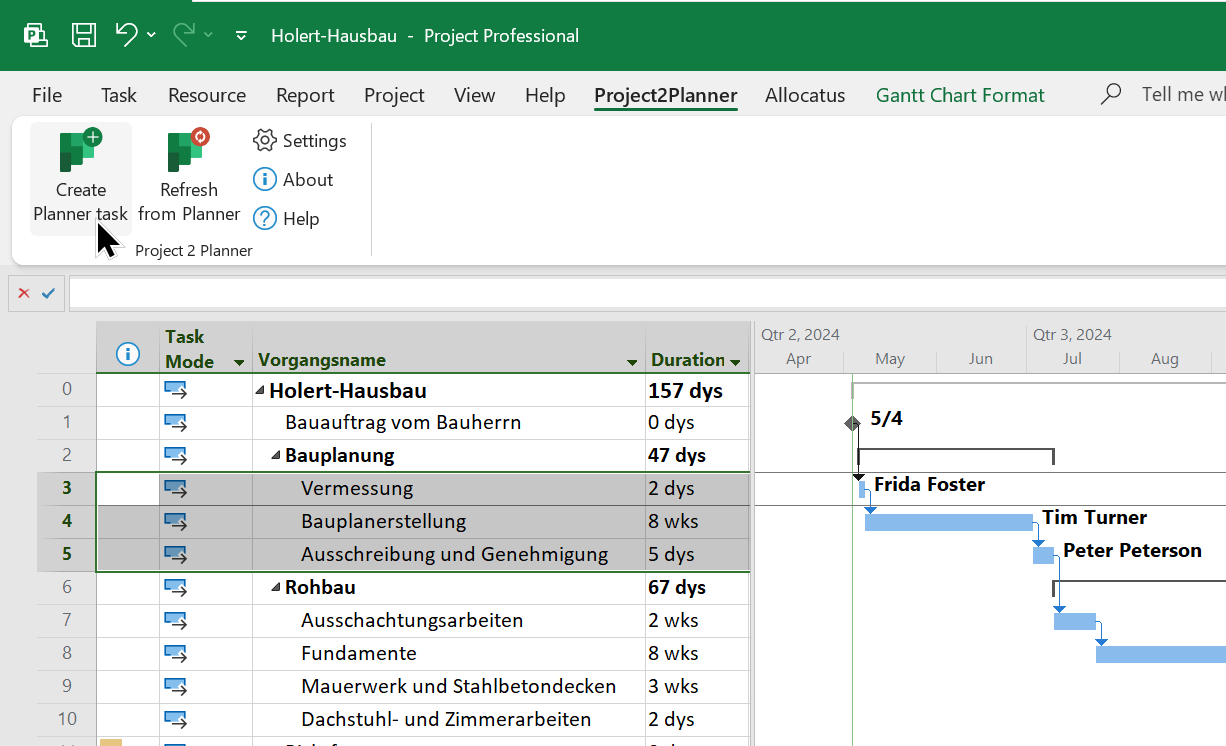
What are the differences between the well-known task management solutions from Microsoft and Atlassian? See the differences between Planner Basic and Premium plans, SharePoint List, Jira Business Projects and Microsoft Loop in the following comparison.
Further information on Planner Premium, including a comparison with MS Project and the differences between Microsoft Project and the Planner Premium license plans Planner Plan 1 and Project and Planner Plan 3 and 5, can be found here.
Which of these project management tools is suitable as an alternative to Microsoft Project Online?
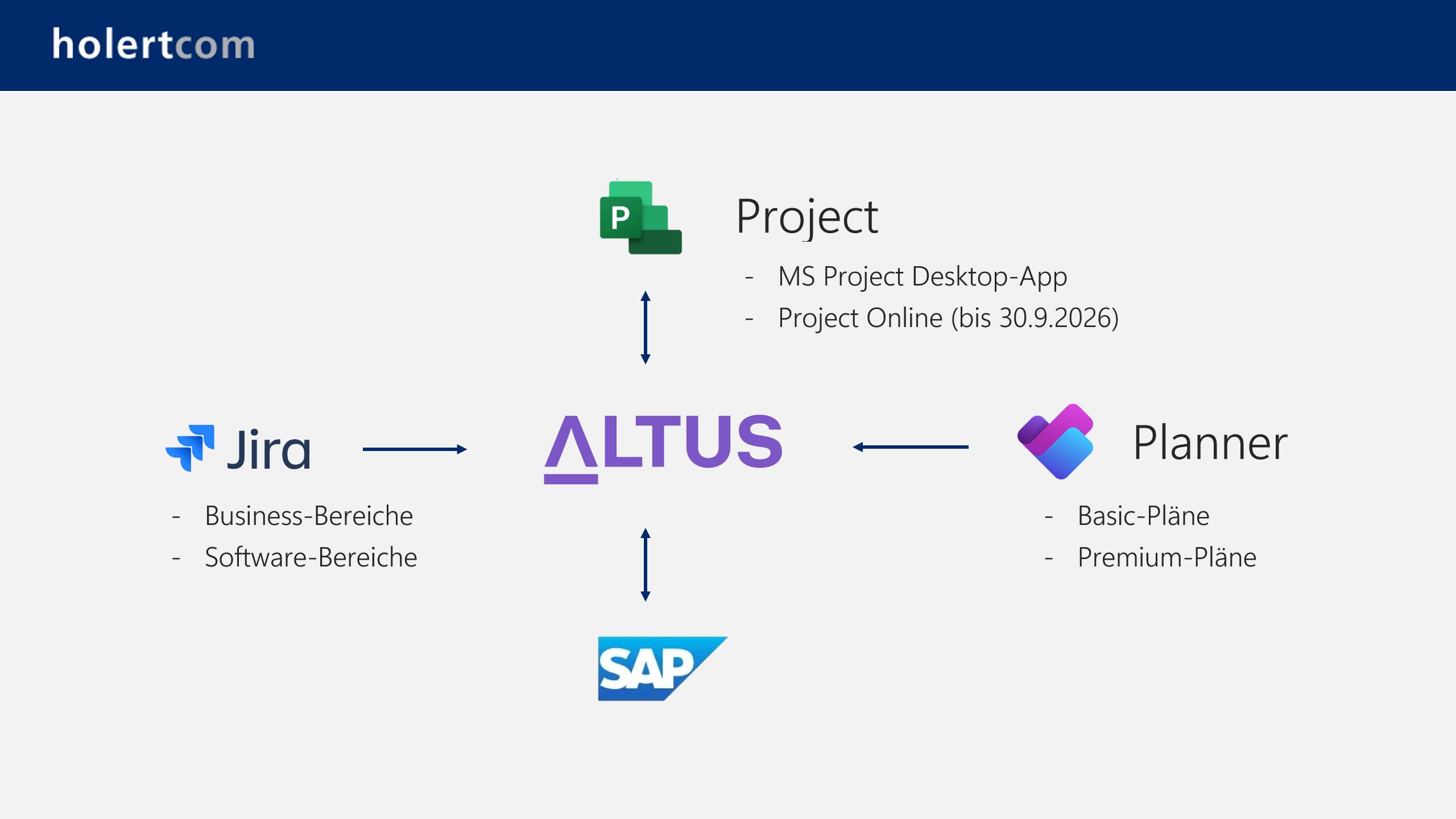
The Microsoft Planner Premium plans come closest to the Microsoft Project Online software that emerged from Project Server. The Premium plans were previously called Project for web and are technically based on the calculation logic of Microsoft Project. However, there are limitations here, for example in cross-project project and resource management. Projectum xPM and Altus are better suited as a replacement here. For details, see Microsoft Project Online ends on 30 September 2026 – alternatives.
Frequently asked questions about this comparison
Do I need a premium plan to get AI support in Microsoft Planner?
No. Planner Agent is available in all basic and premium plans that are shared with a Microsoft 365 Group. It requires a Microsoft 365 Copilot license; without one, users can still collaborate on the plan but cannot interact with the agent. Premium plans remain necessary if you want to generate tasks from goals.
Is artificial intelligence in Jira only available with Jira Premium?
No. Atlassian Rovo is included in the Standard, Premium and Enterprise cloud plans and is activated automatically. Only the monthly allowance differs: for Jira and Confluence it is 25 credits per user per month on Standard, 70 on Premium and 150 on Enterprise, pooled at organisation level.
Can external participants collaborate free of charge?
In Planner Basic, Microsoft Lists, Planner Premium and Loop, yes — through guest access to the Microsoft 365 Group. Jira counts every contributor as a licensed user; free guest access exists only in the Jira Service Management customer portal, not in business spaces.
Which tool suits projects with a schedule and dependencies?
Planner Premium and Jira Business Spaces both model hierarchies and links, and Planner Premium adds scheduling logic derived from Microsoft Project. Planner Basic and Microsoft Lists are not designed for this; Loop is a collaboration surface without planning logic.
How does Microsoft Loop relate to the other tools?
Loop — including Copilot Pages and Copilot Notebooks — is suited to working on content together and to task lists inside a document. It lacks the structure needed for traceable task ownership across several teams and projects; it complements Planner rather than replacing it.
How Holert supports your tool selection
A feature table answers what a tool can do — not which tool fits your organisation. In practice the decision rarely fails on the feature list, but on the questions beside it: which licenses you already own, how external partners get access, how effort reaches your cost accounting, and who still maintains the configuration two years from now.
Holert guides that selection as a vendor-neutral consulting partner with more than 25 years of experience in project, programme and portfolio management on Microsoft and Atlassian — methodically along PMI and SAFe, technically from Microsoft Planner and Project through Jira to Altus PPM and Projectum xPM. Companies such as Rohde & Schwarz, KUKA and LAPP rely on our support. Our fixed-price PPM software selection provides a defined framework for it, and our customer references give an overview of past projects.
 Renke Holert
 Renke Holert : Jun 7, 2026, 11:47:25 AM