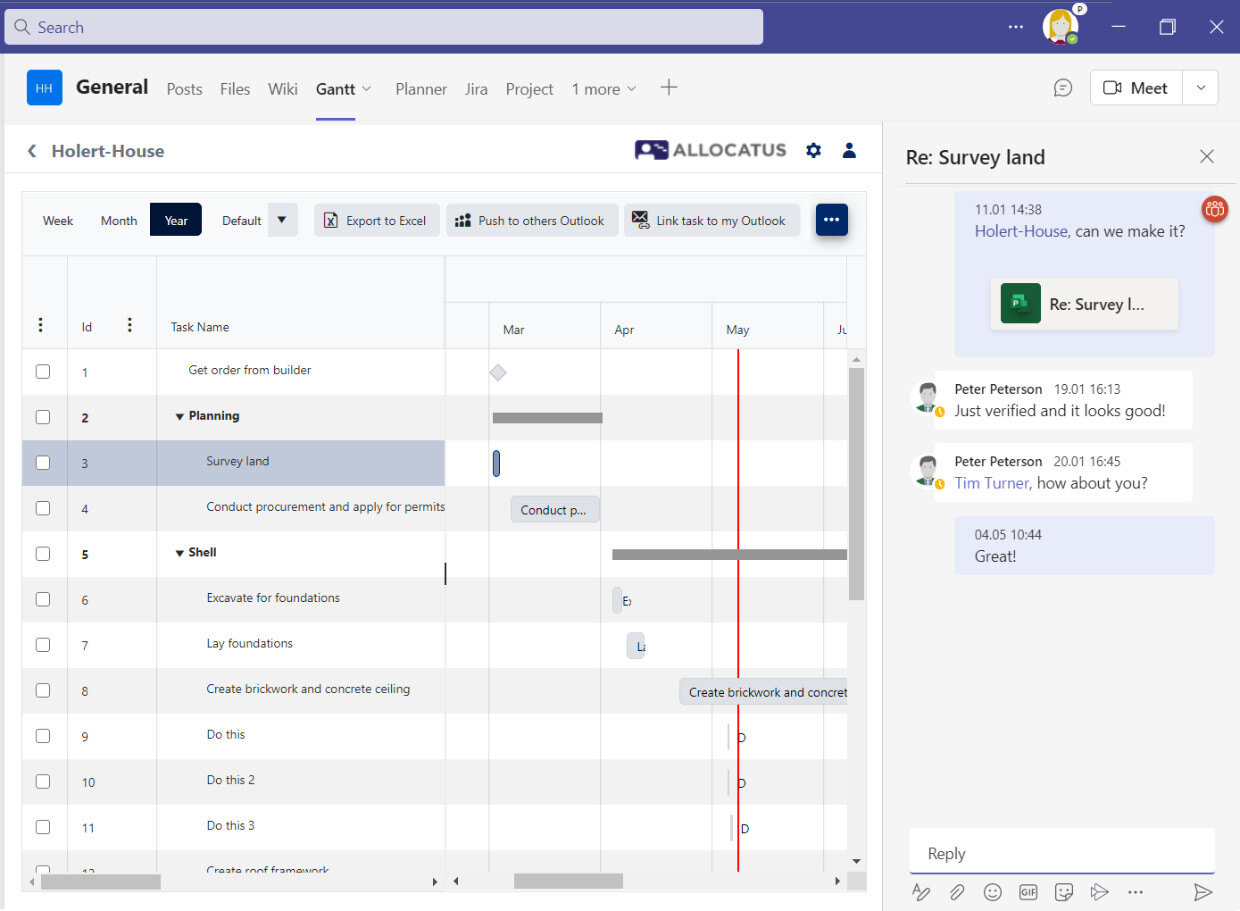
If you are working as a project manager with the Microsoft Project Desktop App (MS Project) and your team is using Microsoft Planner it can be tedious to keep the data in sync. With Holert Project2Planner you can integrate both Apps.
Challenges when working without any integration between MS Project and Planner
If you are a project manager working with the Microsoft Project Desktop App (MS Project) and you are not using an extension such as Allocatus, it is
- troublesome to share only the relevant tasks with each team member,
- tracking progress is time-consuming and error-prone,
- Difficult to bundle communication on a task in one place,
- annoying when mistakes happen because checklists are not used.
Integrate Microsoft Project with Microsoft Planner with Project2Planner
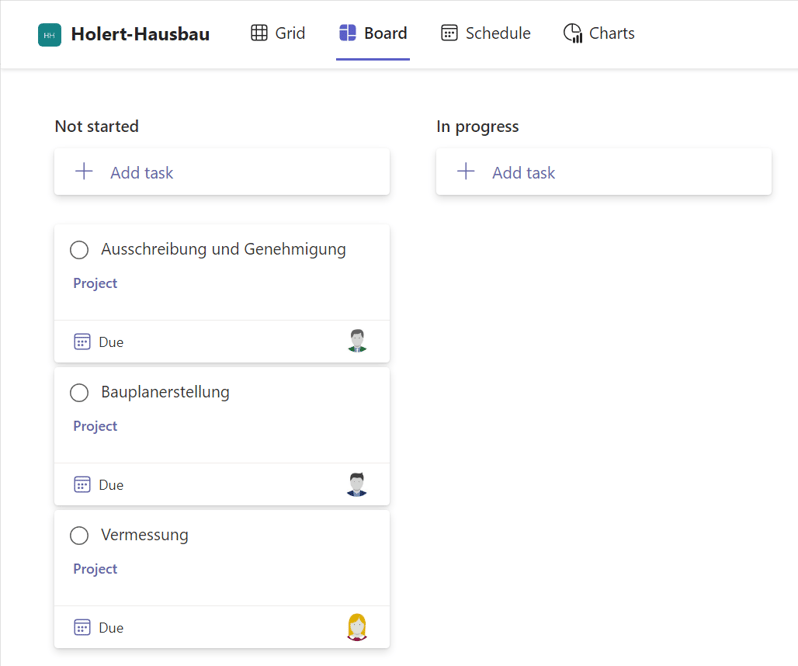
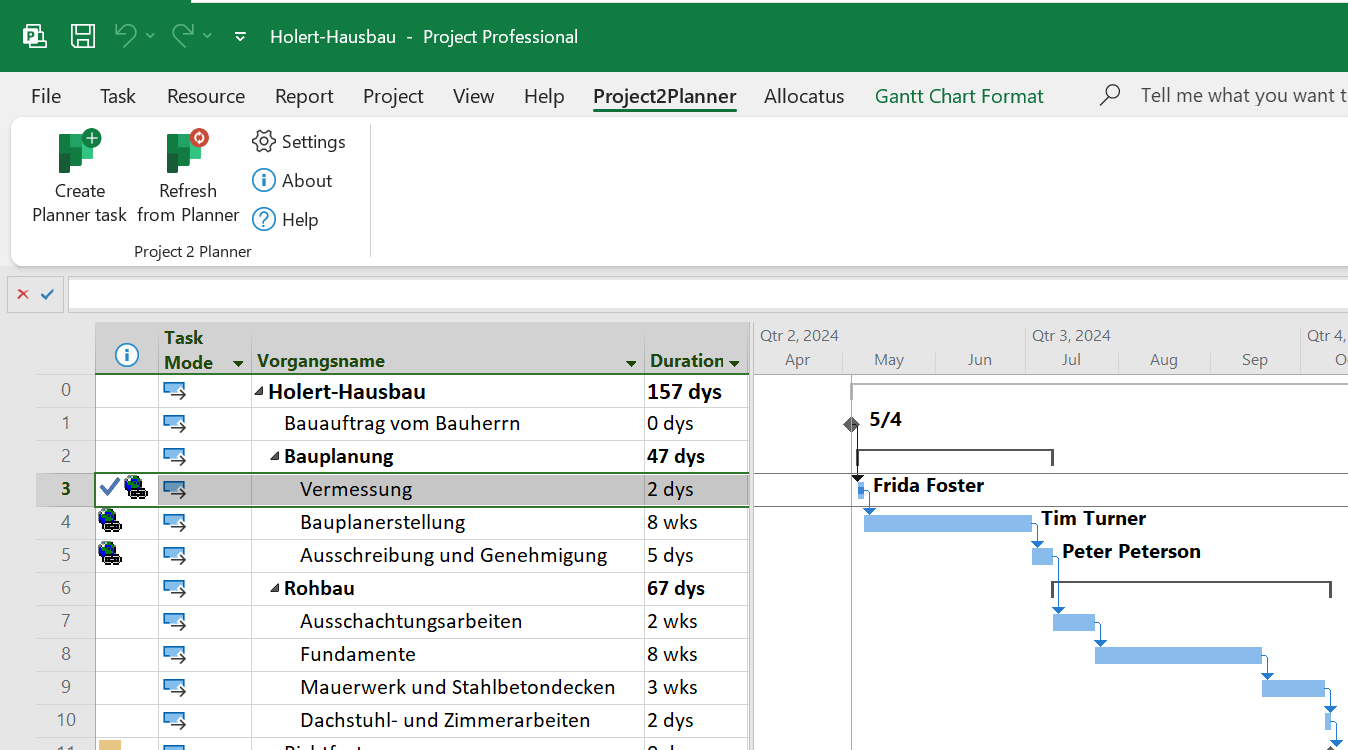
However, if your company uses Microsoft 365 including Microsoft Planner Basic, which is included at no extra cost, you can use the Project2Planner add-in from Holert to create tasks from MS Project directly in Microsoft Planner Basic.
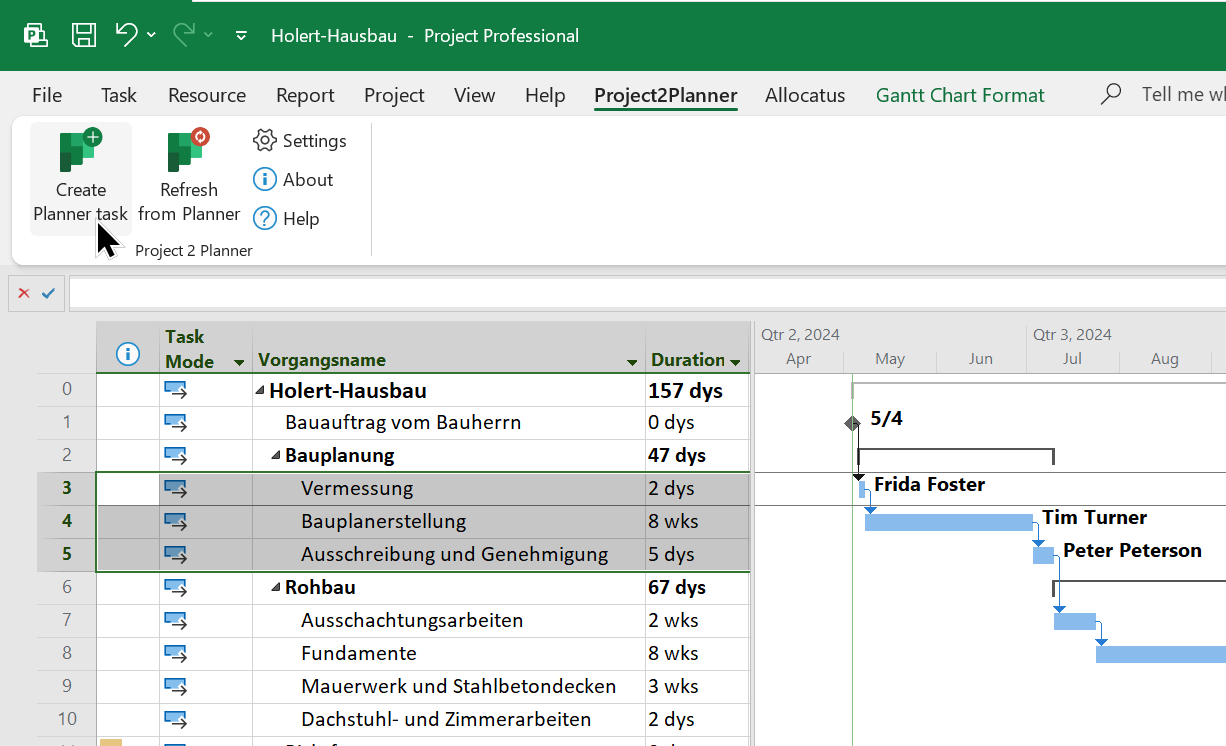
After that it synchronizes your Microsoft Project Gantt Chart directly with your team's Microsoft Planner plan. To do this, simply select the tasks in Project and click the button.
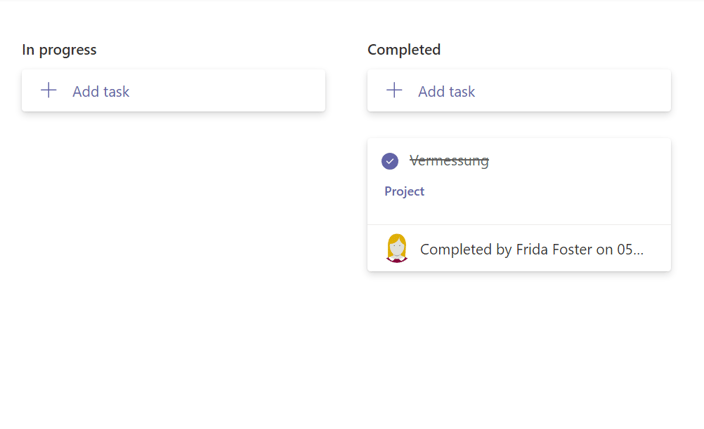
When a team member reports a task as completed,
and you approve the update it will automatically show the progress in your Microsoft Project schedule
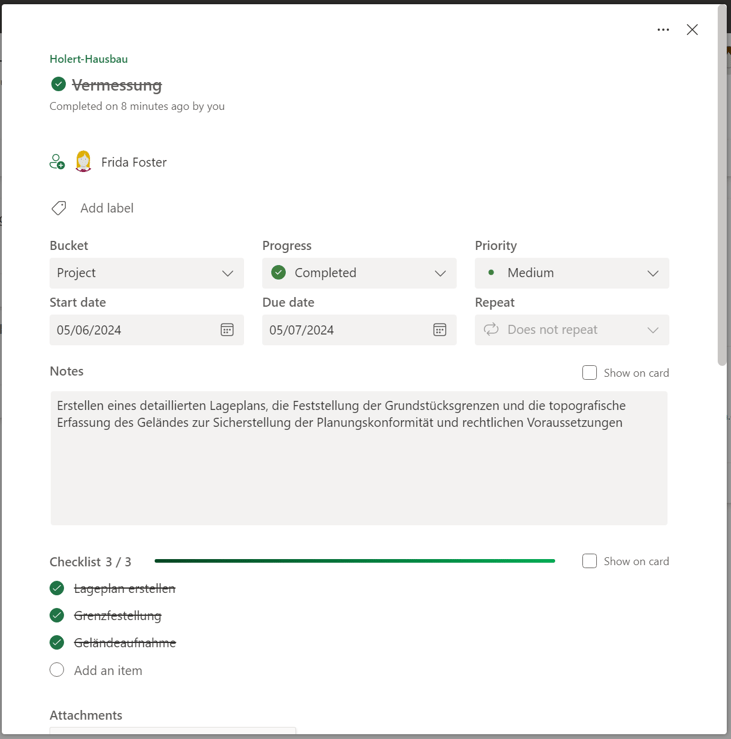
and the project manager can view the full details of the task with a click of the mouse.
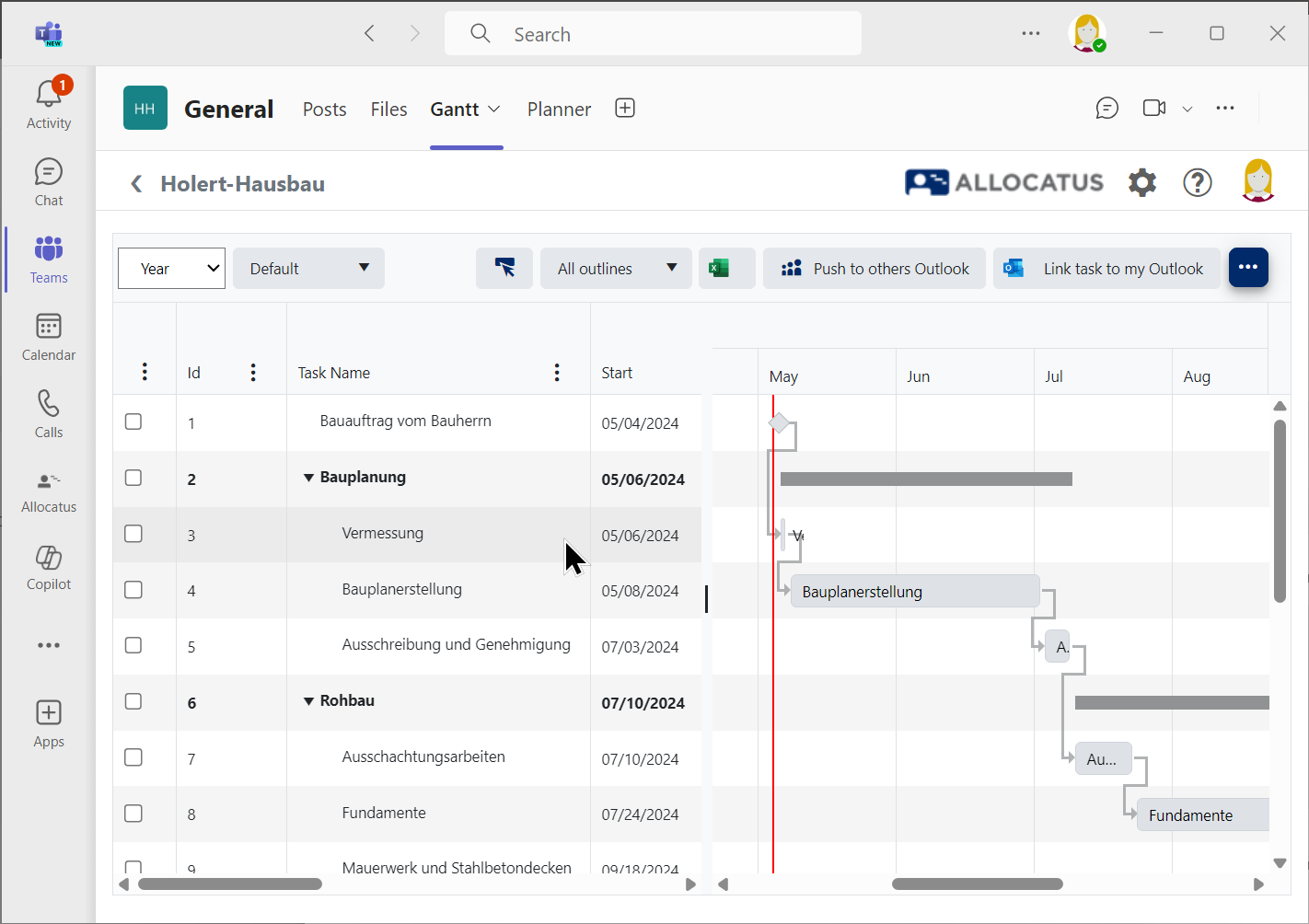
Allocatus (available as an additional add-on: https://allocatus.holert.com) can optionally automatically create suitable project rooms in Teams including Gantt, or provides a Gantt chart in your existing Teams provisioning solution. Project Online is not required.
Benefits of integrating Microsoft Project Desktop App with Microsoft Planner
With Project2Planner from Holert
- Easily share the latest status of your planning - even on mobile via the Microsoft Planner app or Microsoft Teams app
- Always see the progress clearly in Project
- Benefit from the comment function in Planner
- Avoid mistakes by using checklists
- Implement your projects faster with happy employees
Would you like to see Project2Planner in action? Contact us for a free demo.
 Renke Holert
 Renke Holert : Nov 29, 2025 8:33:18 AM